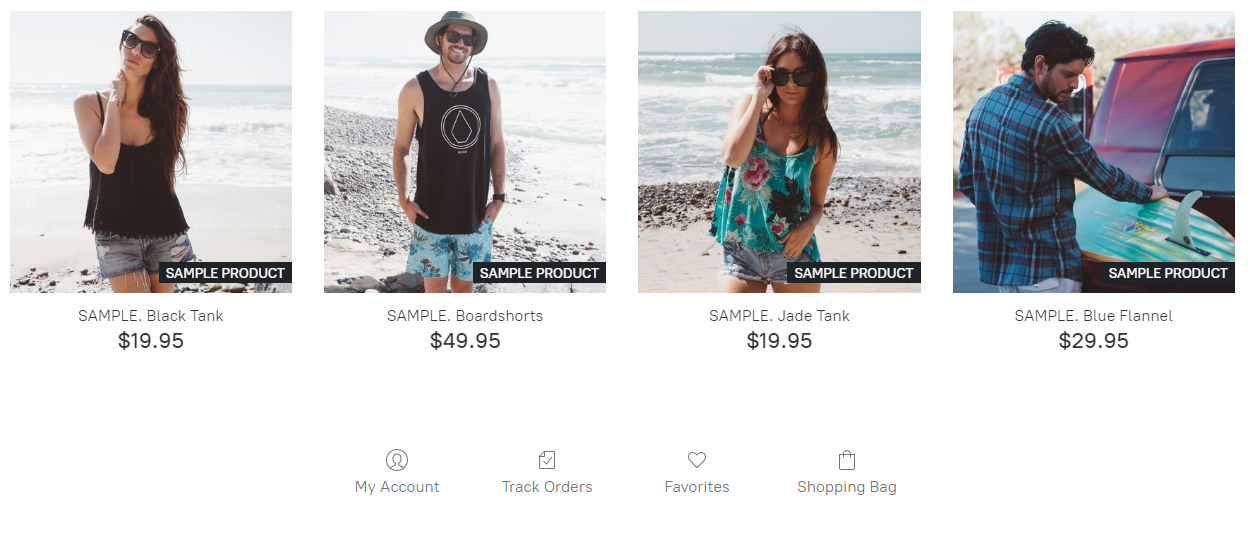
How to integrate "Ecwid"?
- Adding Ecwid:
- Drag & drop "Commerce" from main toolbar;
- Choose Ecwid composition;
- Connecting Ecwid:
- New store:
- Select to "Create store" in left toolbar;
- Write your email address and click "Create";
- Existing account:
- Select to "Connect existing account" in right toolbar;
- Write "Store ID" and click "Link"
- To set up the Ecwid online store see instructions;
- Close panel to save progress;
- Select "Widget type" and choose type how your store will look;
- Size:
Set element size or "Allow to adjust size automatically" in right toolbar.
- New store: