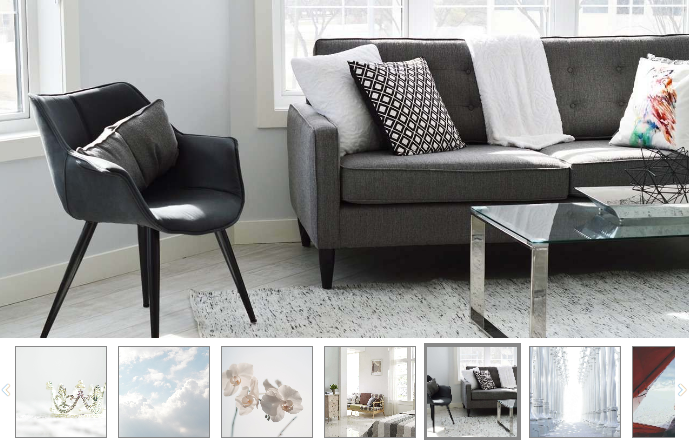
How to use "Gallery List"?
- Adding gallery:
- Drag & drop "Gallery" from main toolbar;
- Choose List gallery composition;
- Select gallery and click pictures editing button in right toolbar;
- Click "Add Pictures" to upload pictures.
- Click "Size" in right toolbar;
- Set gallery size or select "Allow to adjust size automatically".
- Customising gallery:
- Gallery pictures:
Select gallery and click pictures in right toolbar. Add pictures title, link, address and description.
- Include description:
Add picture description text inside "Gallery media manager" and click "Apply" button.
Inside right toolbar in "Caption" section tick "Include description" checkbox.
- Do not enlarge picture on click:
Mark this box to prevent pictures from being enlarged when clicked.
- Background:
Select gallery and click background to choose background colour/opacity in right toolbar.
- Filling:
Select filling of image as "Fit" option which compresses the image inside the box, or "Fill" option to place the picture all over the box.
- Gallery pictures:
- Thumbnails:
Write thumbnails width, height and padding in right toolbar.
- Slideshow:
Set picture change frequency and transition duration in right toolbar.
- Captions:
Set how to show picture caption, background colour and text style in right toolbar.
- Include description:
Add picture description text inside "Gallery media manager" and click "Apply" button.
Inside right toolbar in "Caption" section tick "Include description" checkbox.
- Include description:
- Lightbox:
Set how to show background colour of the picture when viewing photos.
Note: Gallery Type "List" also supports uploading video files.
Preview: